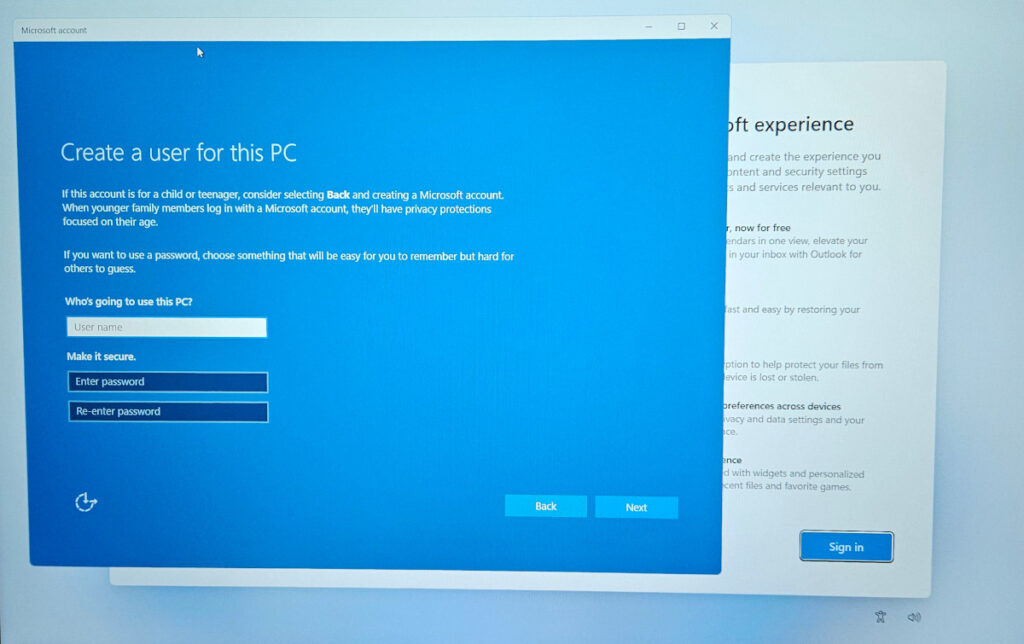
If you’re starting with a fresh copy of Windows 11 and don’t wish sign-in locally with a cloud account, you may have noticed that Microsoft has removed the UX option to do this during the Windows 11 initialization process. However there is still a way to create a local user without having to first create a cloud based account.
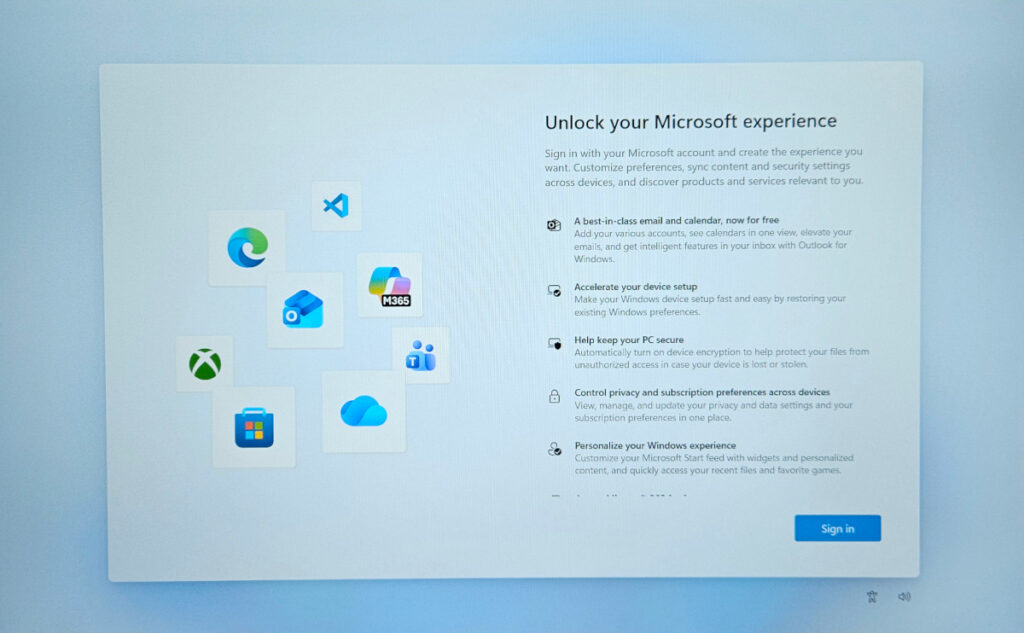
During the boot process you’ll be presented with a screen asking to sign in, with no other option on screen.
To open the command prompt window type Shift+F10. If this doesn’t work you may need to press Shift+Fn+F10. You should now see a command prompt window.
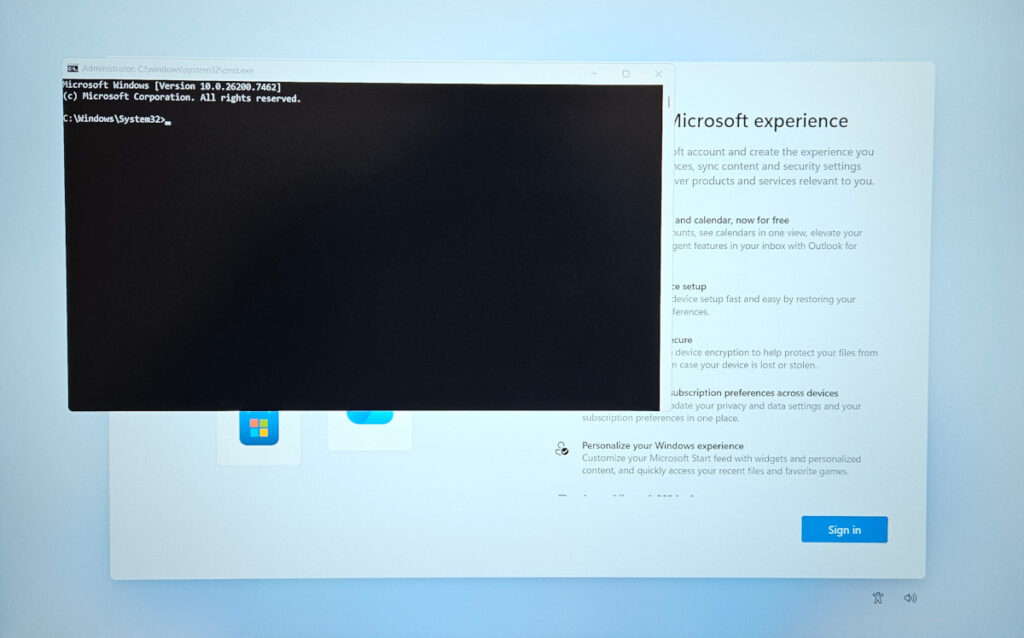
Type the following command to open the local user creation workflow.
start ms-cxh:localonly
This opens the local user creation workflow, allowing for the first user to be a local windows account.